
Integrations
Public API, calendar sync, KSeF, the mobile app and data export.
Last updated:
Available integrations
BakePilot connects with the tools a bakery uses every day. You configure most of them in Settings, and the details of each integration are described in separate articles in this documentation.
- Public API - orders and customers from your own website or online shop go straight into BakePilot; you generate keys in Settings, in the “API keys” section (from the Profesjonalny (Professional) plan)
- Calendar sync - you add the iCal link in Google Calendar, on an iPhone or Android, and orders update in your phone's calendar automatically
- KSeF (Poland's National e-Invoicing System) - sending sales invoices and downloading cost invoices, configured in the Invoices module (Mistrzowski (Master) plan, PLN only)
- An Android app from Google Play - the same account, notifications about new orders
Calendar sync
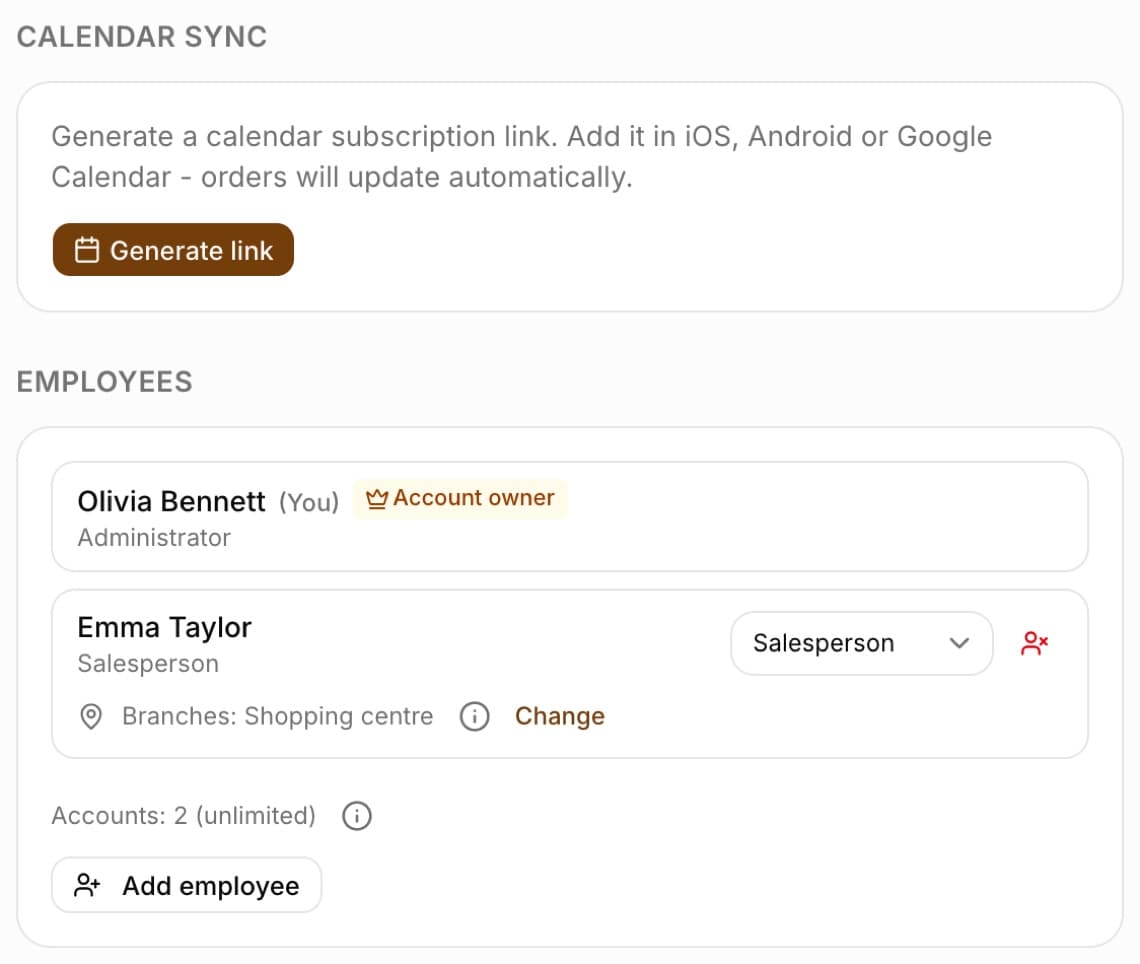
In Settings, in the “Calendar sync” section, click “Generate link”. You add the address you get to your calendar as a subscription - the app tells you where to do this in Google Calendar, on an iPhone and on Android. You can replace the link at any time (“New link”) or turn it off (“Turn off sync”).
- Open Settings, the “Calendar sync” section
- Click “Generate link” and copy the address
- In Google Calendar choose “Other calendars” (+), “From URL” and paste the link
Tip: The link lets anyone who knows it view your orders. If it has fallen into the wrong hands, click “New link” - the old one will stop working.
Data export
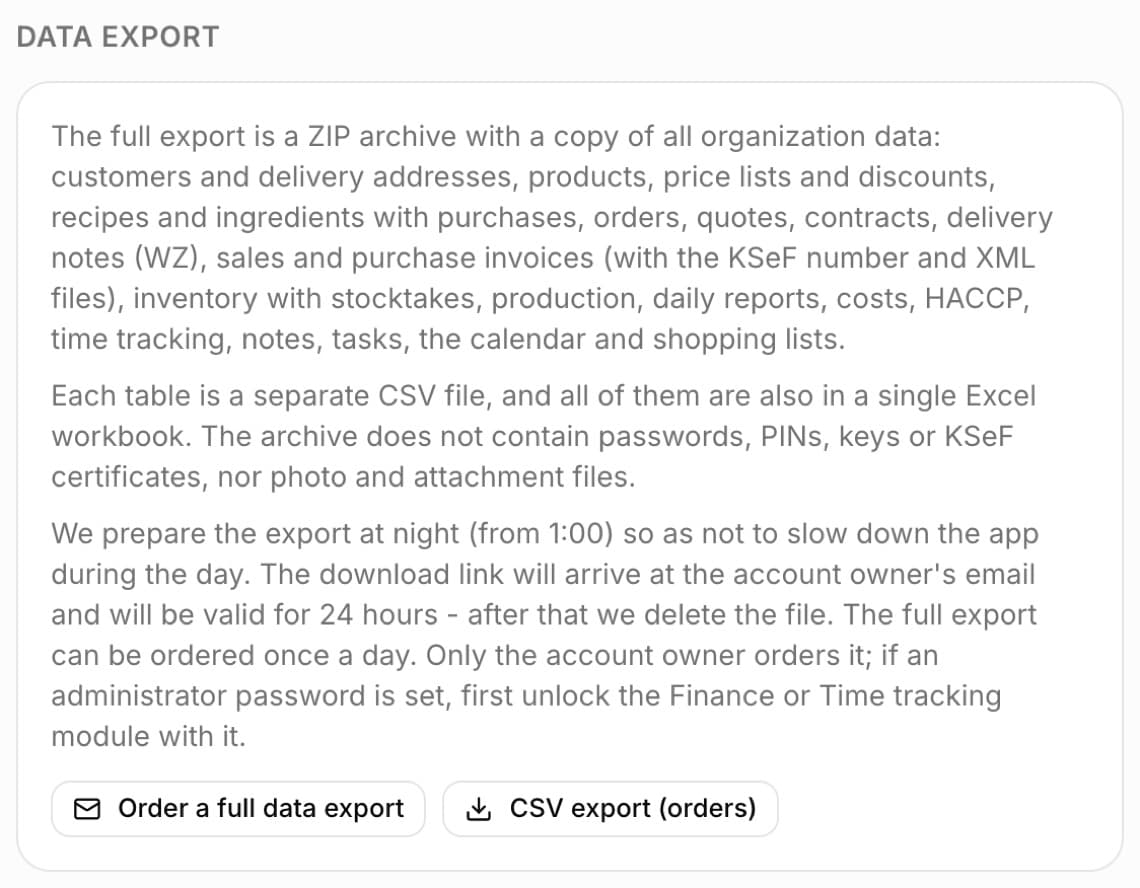
You order a copy of all your organization's data in Settings, in the “Data export” section - only the account owner sees the buttons. After you click “Order a full data export”, we prepare the archive overnight, from 1:00 a.m., so as not to slow the app down during the day. When it is ready, a message with a link to download the ZIP file arrives at the owner's e-mail address. The link works for 24 hours, then the file is deleted. “CSV export (orders)” gives you a list of orders right away to open in Excel. In addition, lists in modules - e.g. Customers - have an “Export” button with a choice of CSV or XLSX (Excel) format.
- Full export - customers and delivery addresses, products, price lists and discounts, recipes and ingredients with purchases, orders, quotes, contracts, delivery notes (WZ), sales and purchase invoices with the KSeF number, inventory with stocktakes, production, daily reports, costs, HACCP, time tracking, notes, tasks, calendar and shopping lists
- In the archive: a separate CSV file for each type of data (UTF-8, semicolon separator), one XLSX workbook with a sheet for each of them, a README.txt describing the contents, and KSeF invoices as XML files (the ksef-xml folder)
- One order per organization within 24 hours
- The archive does not contain passwords, PINs, KSeF keys or certificates, API keys, or photo files and attachments
- If the account has an administrator password, unlock the Finance or Time tracking module with it before ordering
- Export is turned off on the demo account
- “CSV export (orders)” - number, customer, phone, status, pickup date, amount, document, notes
- “Export” on module lists - CSV or XLSX (Excel) with the filtered list
Tip: The link from the e-mail stops working after 24 hours - download the file right away. If you don't make it in time, order a new export (at the earliest 24 hours after the previous order). If part of the data could not be retrieved, README.txt starts with a warning listing what is missing.
Deleting the account
The bakery account can only be deleted by the account owner in Settings, in the “Danger zone” section, with the “Delete account and data” button and by typing USUN. The operation is irreversible: orders, products, customers, reports and invoices disappear, and a paid subscription is cancelled.
- First order a full data export and download the file from the link in the e-mail - it includes, among other things, invoices with XML files from KSeF, time records and HACCP records, which you must keep in accordance with the regulations. Deleting the account also deletes the prepared export
- If the bakery has employee accounts, the account is deleted by BakePilot support - write through the help chat; to only block an employee's access, use “Deactivate”
- The demo account cannot be deleted
Missing an integration?
If you need a connection to a tool that isn't listed here, write to us through the help chat (on a computer, the button in the bottom right corner; on a phone, the speech bubble icon in the top bar). Developers can already build their own integration on the public API - see the API category in this documentation.
- Help chat - on a computer in the bottom right corner, on a phone in the top bar
- Your own integrations - a public API with Swagger documentation