
Feature · Invoice price scanner
A photo of the invoice instead of retyping prices by hand.
You take a photo of a wholesaler invoice or upload a PDF, and the system reads the items, matches them to your ingredients and shows which ones got more expensive. You just check and approve, and your recipe costs recalculate themselves.
Available from the Mistrzowski (Master) plan - from 319 PLN/month + VAT.
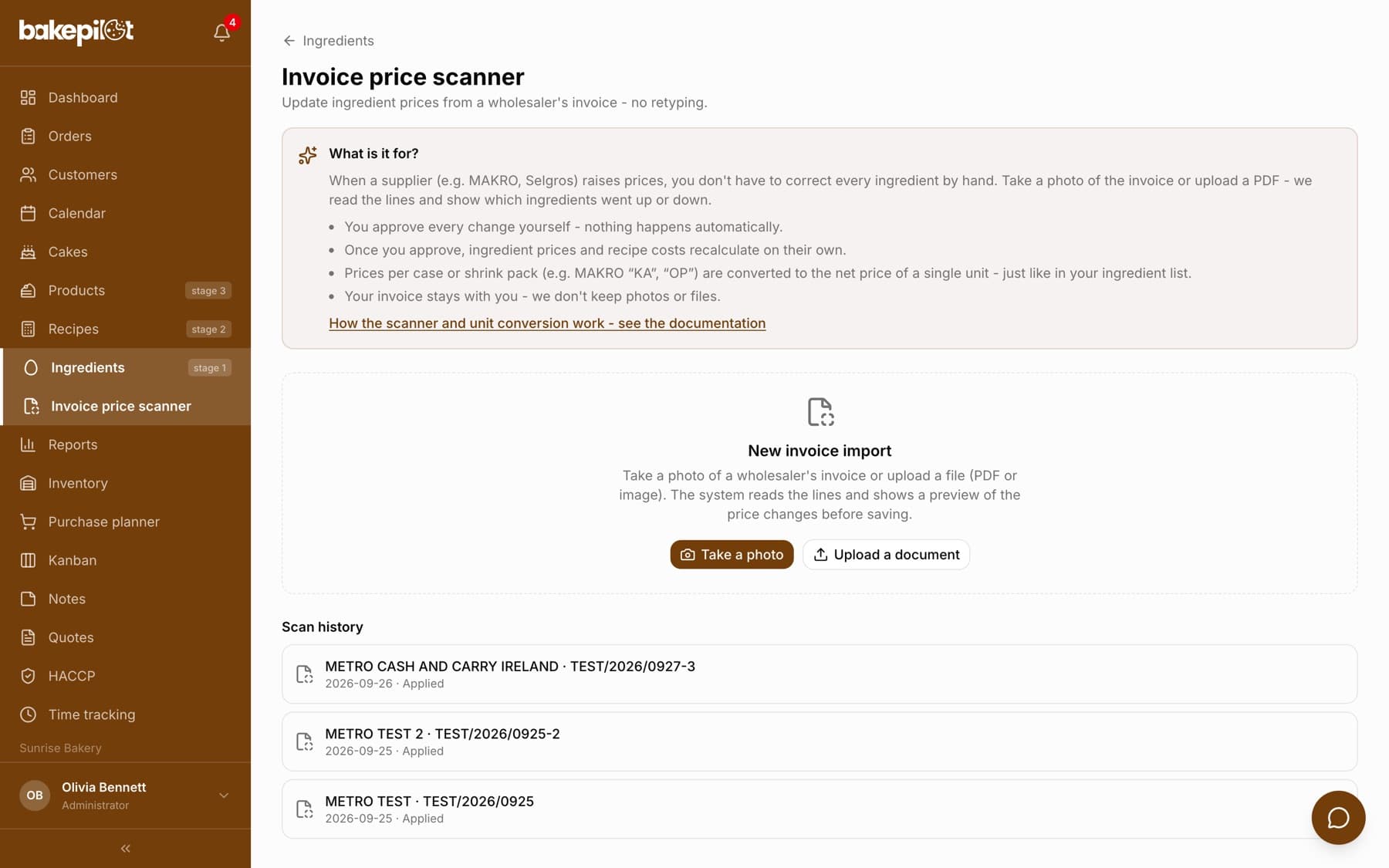
Photo or PDF, the system reads the items
Wholesale prices change from one delivery to the next, and manually updating every ingredient after every invoice takes time and invites mistakes. The scanner does it for you: in the Ingredients module you take a photo of the invoice with your phone camera or upload a file, and the system reads the name, quantity and net price after discounts for every item.
- Phone camera photo, or upload of a photo or PDF
- Reads the name, quantity and net price after discounts
- Works with invoices from any wholesaler (e.g. MAKRO, Selgros)
- Total check: if the items don't add up to the invoice, you get a flag
Matching by EAN code, you see what went up
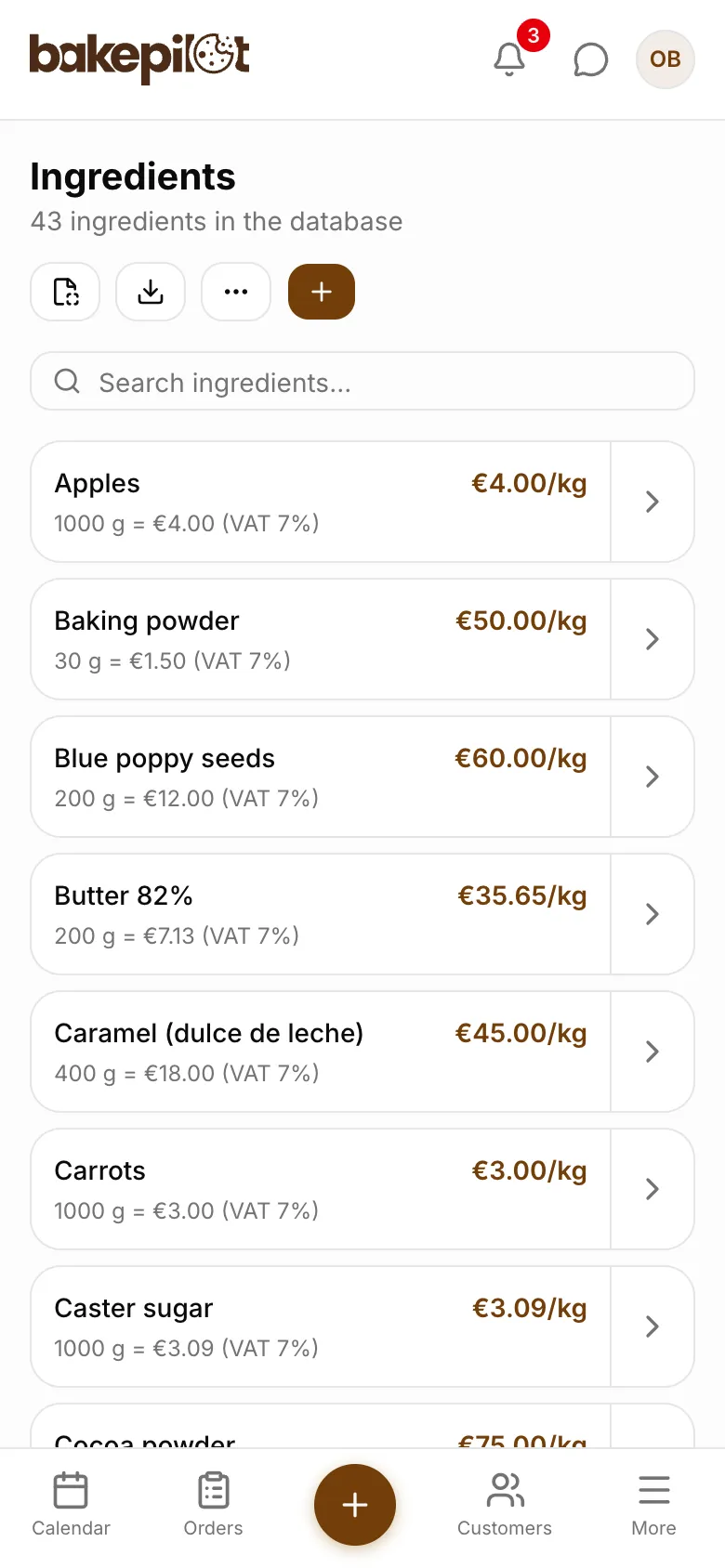
Recognized items are matched to your ingredients by EAN code. For each one you see the old and the new price, so you know right away what got more expensive and what got cheaper. An item that is not yet in your database can be linked to an existing ingredient or added as a new one, with one click. Later invoices with the same code will match on their own.
- Automatic matching by EAN code
- Item-by-item preview: old price and new price
- Link unknown items to ingredients or add new ones
- Once linked, an item is recognized on later invoices
You approve, recipes recalculate themselves
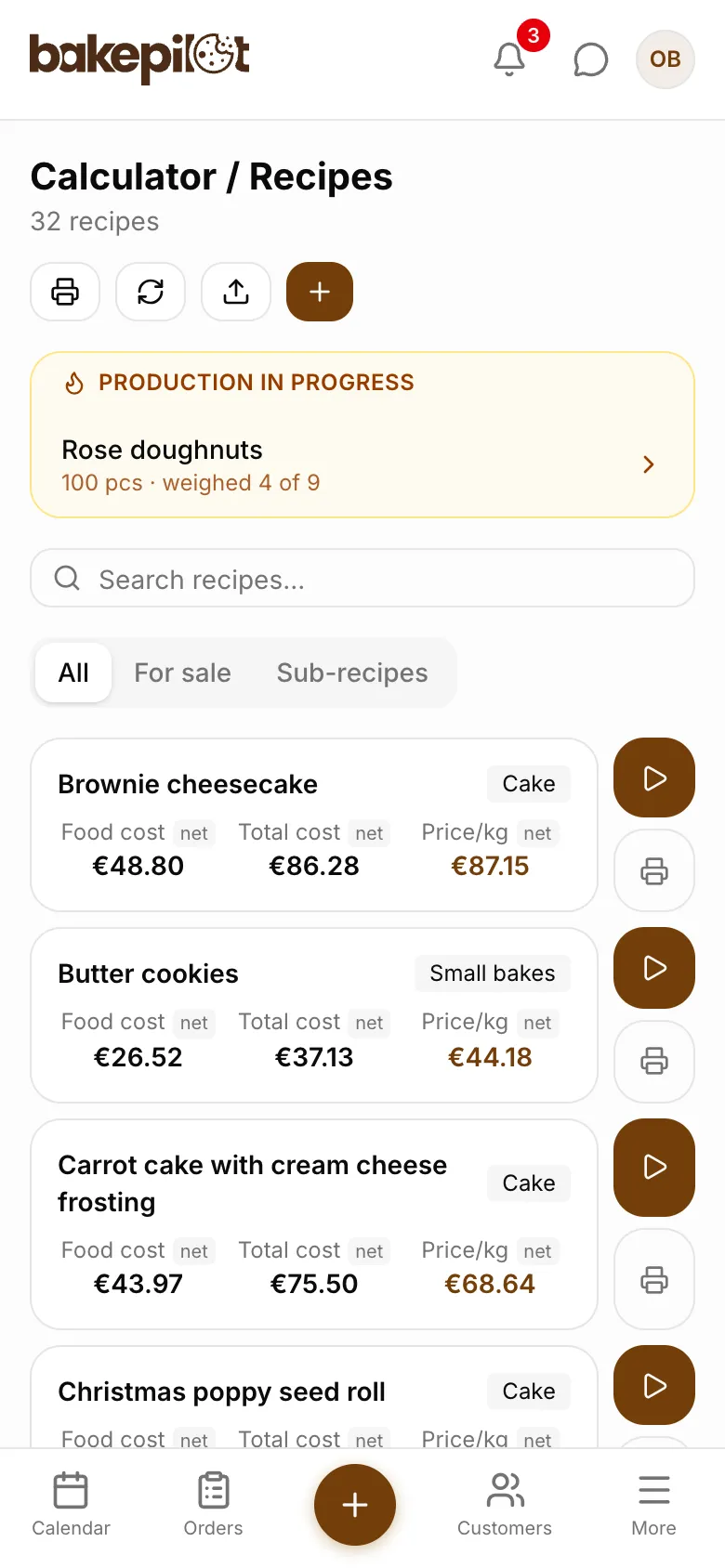
Nothing changes without your knowledge. You accept, correct or skip each item. Ingredient prices are updated only after you approve, and all recipes that use them recalculate their costs automatically. You know right away how much the cost of your cake went up after the butter price increase.
- Every item to accept, correct or skip
- After approval, ingredient prices update automatically
- Recipe costs recalculate themselves
- Scan history available for review
Privacy and security
Your invoice stays with you. Once the items have been read, neither the photo nor the file is stored: the system saves only the data needed to update prices and a short scan history. The feature is available only to the account owner (administrator).
- Photos and PDFs are not stored after reading
- Only item data and scan history are saved
- Access for the account administrator only
What's in each plan
From our pricing - the same rules apply in the app. Plan names stay in Polish, as in the app: Podstawowy (Starter), Profesjonalny (Professional) and Mistrzowski (Master). Prices in PLN per month, plus VAT.
| Podstawowy98 PLN | Profesjonalny189 PLN | Mistrzowski319 PLN | |
|---|---|---|---|
| Invoice price scanner (OCR from a photo) |
Frequently asked questions
Do ingredient prices change automatically?
No. The scanner only proposes changes: you approve, correct or skip each item. Prices are updated only once you apply the changes, and recipe costs then recalculate themselves.
Which wholesalers' invoices does it work with?
Any. The scanner reads typical invoices and specifications, e.g. from MAKRO or Selgros. What matters is how legible the document is: the sharper the photo, the more accurate the reading.
Which plan includes the invoice price scanner?
The Mistrzowski (Master) plan, as a subpage of the Ingredients module.
See Invoice price scanner in action
Full access to every feature. 20 days free. No credit card required.