
Feature · Labels
A label with allergens and a date in seconds, straight from the recipe.
Ingredients and allergens are collected from the recipe, the date is calculated from the packing date, and the label prints on an A4 sheet or on a label printer. No retyping the ingredient list by hand every time the recipe changes.
Available from the Podstawowy (Starter) plan - from 98 PLN/month + VAT.
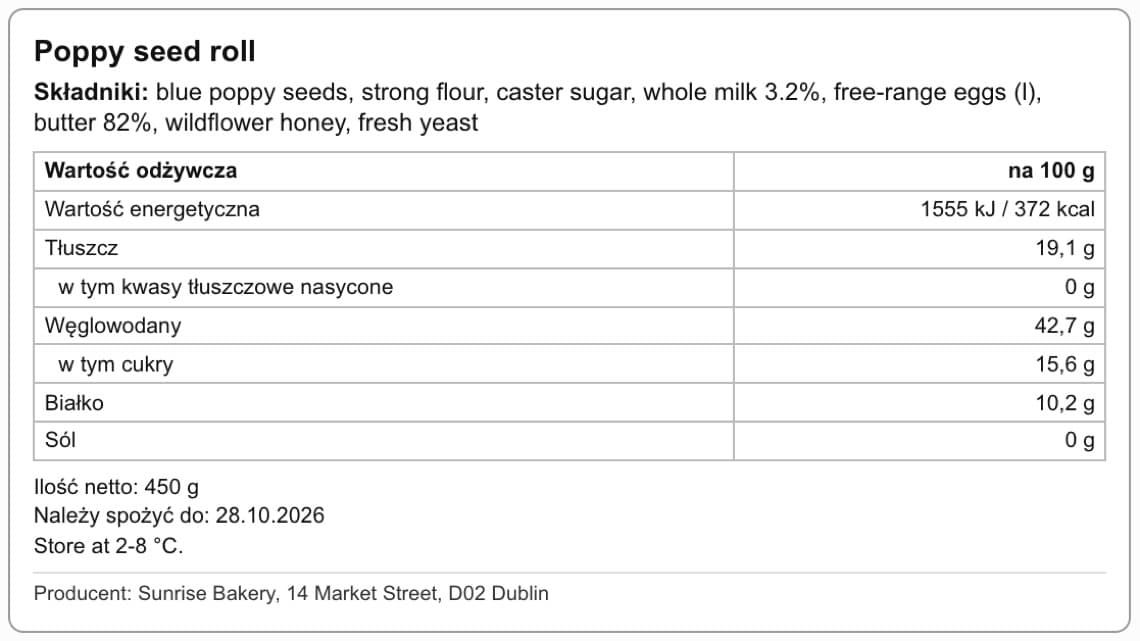
Ingredients and allergens from the recipe
On the product card, the “Save ingredients from the recipe” and “Allergens from the recipe” buttons collect the ingredients from the linked recipe, including the ingredients of sub-recipes, in descending order of quantity. An ingredient can have its own “Name on the label” or “Composition as on the label”, and then the label shows what the raw material's manufacturer declared. Allergens from the 14 items in Annex II of EU Regulation 1169/2011 are emphasized in the ingredient list in bold capital letters, also in an ingredient list typed in by hand, and a “Contains: …” line stays underneath.
- Ingredients from the recipe, with sub-recipes, in descending order of quantity
- “Name on the label” and “Composition as on the label” on the ingredient
- 14 allergens emphasized in the ingredient list
- Ingredients and allergens can also be entered by hand
Nutrition, net quantity and date
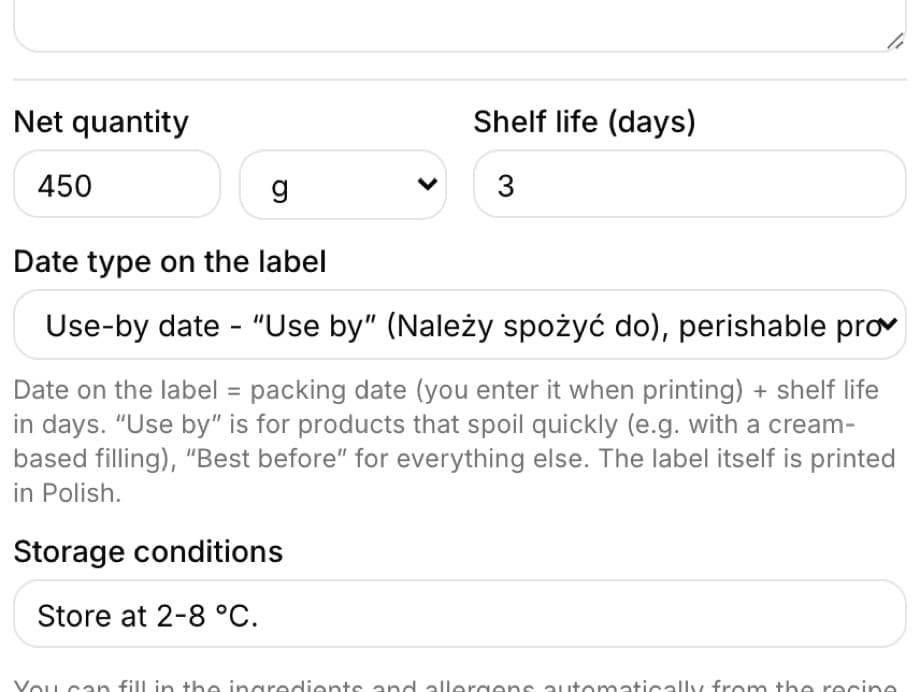
The nutrition table per 100 g is calculated from the values entered on the ingredients and from the batch weight in the recipe, in the order required by the regulation, from energy in kJ and kcal down to salt. On the product you set the “Net quantity” (g, kg, ml, l or pieces), “Shelf life (days)”, “Date type on the label” and “Storage conditions”. When printing you enter the packing date, and the label writes out “Use by” or “Best before” with the date on its own. At the bottom there is a “Producer:” line with the name, address and NIP (Polish tax ID) from Settings, plus your bakery's logo.
- Nutrition per 100 g of the finished product
- Net quantity or “Contents: … pcs”
- “Use by” or “Best before” with a day.month.year date
- Storage conditions, producer and logo
- On-screen warnings when something is missing, they do not appear on the printout
Printing on an A4 sheet or a label printer
You open a label with the “Generate label” icon in the product list. Above the preview you set the number of labels, the packing date and whether to print the nutrition table, and the “Print / save PDF” button sends it to print. You choose the format once in Settings: an A4 sheet in one, two or three columns, or a label printer roll - 100 × 150 mm, 100 × 70 mm, 100 × 50 mm, 62 × 100 mm (DYMO) and 57 × 40 mm.
- Number of labels and packing date for every print
- A4 sheet: 1, 2 or 3 columns
- Label printer: five roll sizes
- You can turn off the nutrition table for a single print
What's in each plan
From our pricing - the same rules apply in the app. Plan names stay in Polish, as in the app: Podstawowy (Starter), Profesjonalny (Professional) and Mistrzowski (Master). Prices in PLN per month, plus VAT.
| Podstawowy98 PLN | Profesjonalny189 PLN | Mistrzowski319 PLN | |
|---|---|---|---|
| Allergens (marked manually) | |||
| Printable product labels | |||
| Automatic allergens from the recipe | |||
| Price history, nutrition facts, composition |
Frequently asked questions
Is a BakePilot label compliant with the regulations?
The label has the elements required by EU Regulation 1169/2011: the name, an ingredient list with emphasized allergens, the net quantity, a date, storage conditions, the producer and nutrition per 100 g. The producer is responsible for the content: you set the nutrition values of ingredients, the batch weight and the date type yourself, and it is worth reviewing the generated ingredient list before printing.
Where does the app get nutrition values from?
From the per 100 g values you enter on the ingredients (from raw material labels or from the supplier). Without the weight of the finished batch in the recipe, the values are calculated per 100 g of raw materials, and the label page warns you about this above the preview.
Which plan includes labels?
Printable product labels, allergens from the recipe and ingredient nutrition values are available from the Profesjonalny (Professional) plan up. Marking allergens by hand on a product is available in every plan.
What must be on a cake label?
We describe the requirements step by step, with the regulations and a template, in the guide “Labels for cakes and tortes” on the BakePilot blog.
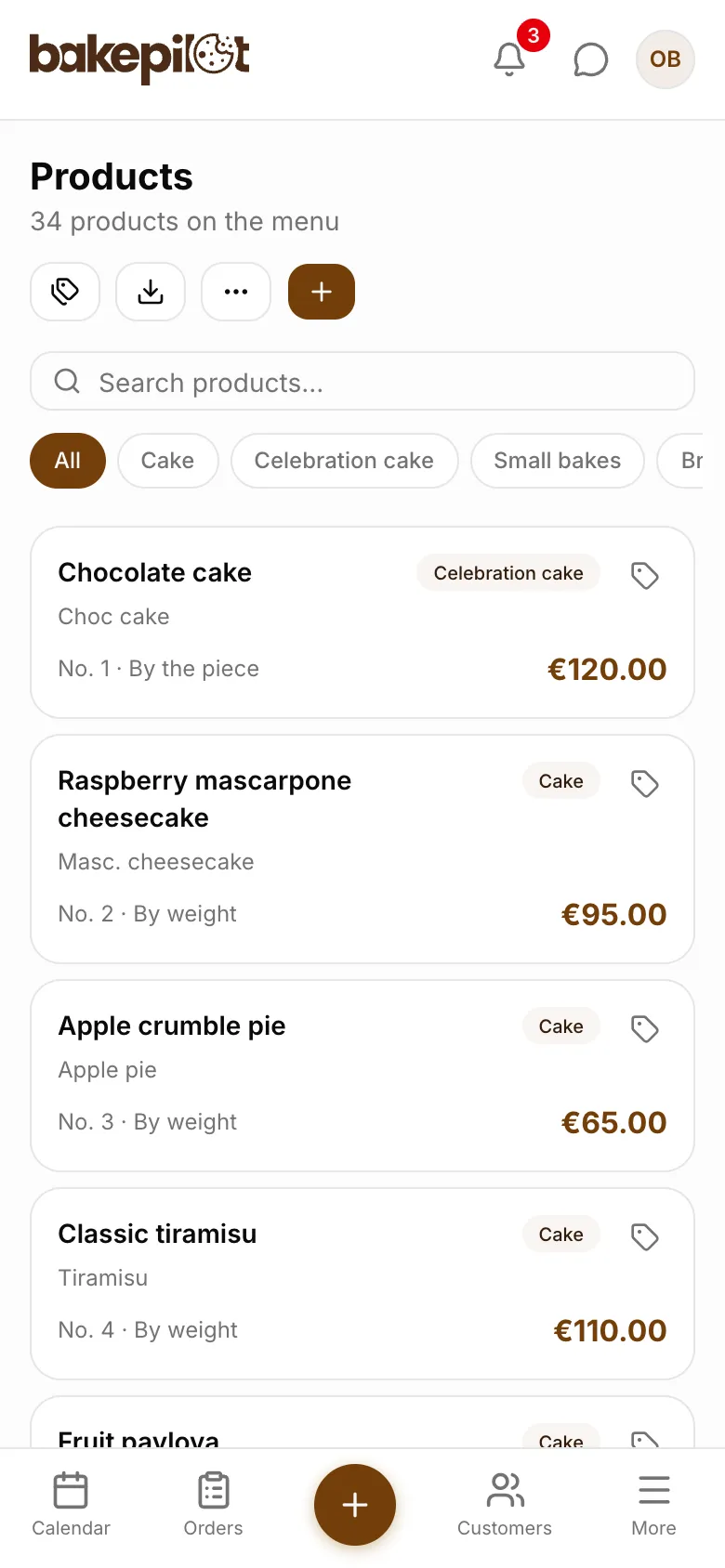
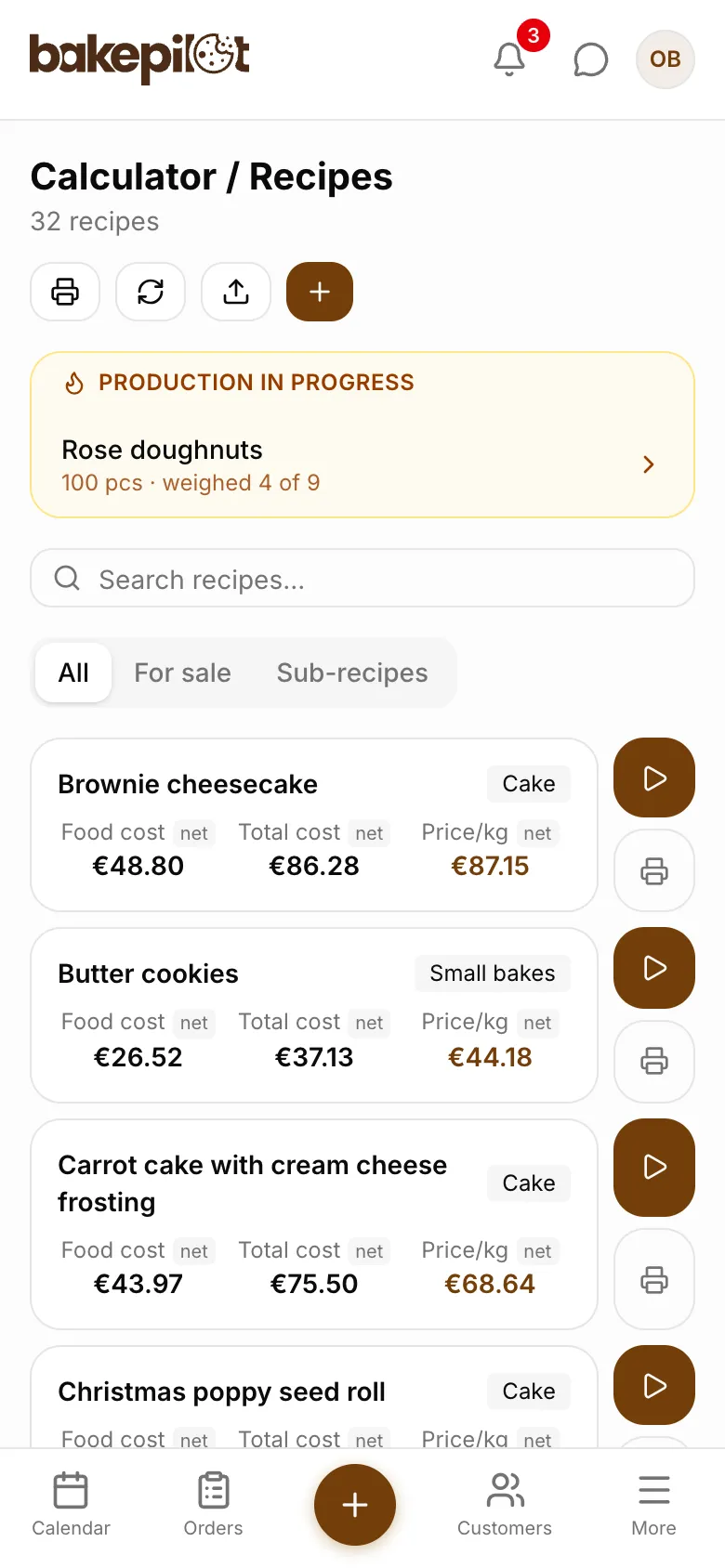
See Product labels in action
Full access to every feature. 20 days free. No credit card required.