
Introduction to the API
What the BakePilot API is, who can use it and what its limits are.
Last updated:
What is an API?
An API (Application Programming Interface) lets you connect BakePilot with other systems programmatically. If you have your own website with an order form or an online shop, you can send data to BakePilot automatically. Example: a form on your website that, once submitted, immediately creates an order and a customer in BakePilot.
- REST API with JSON responses
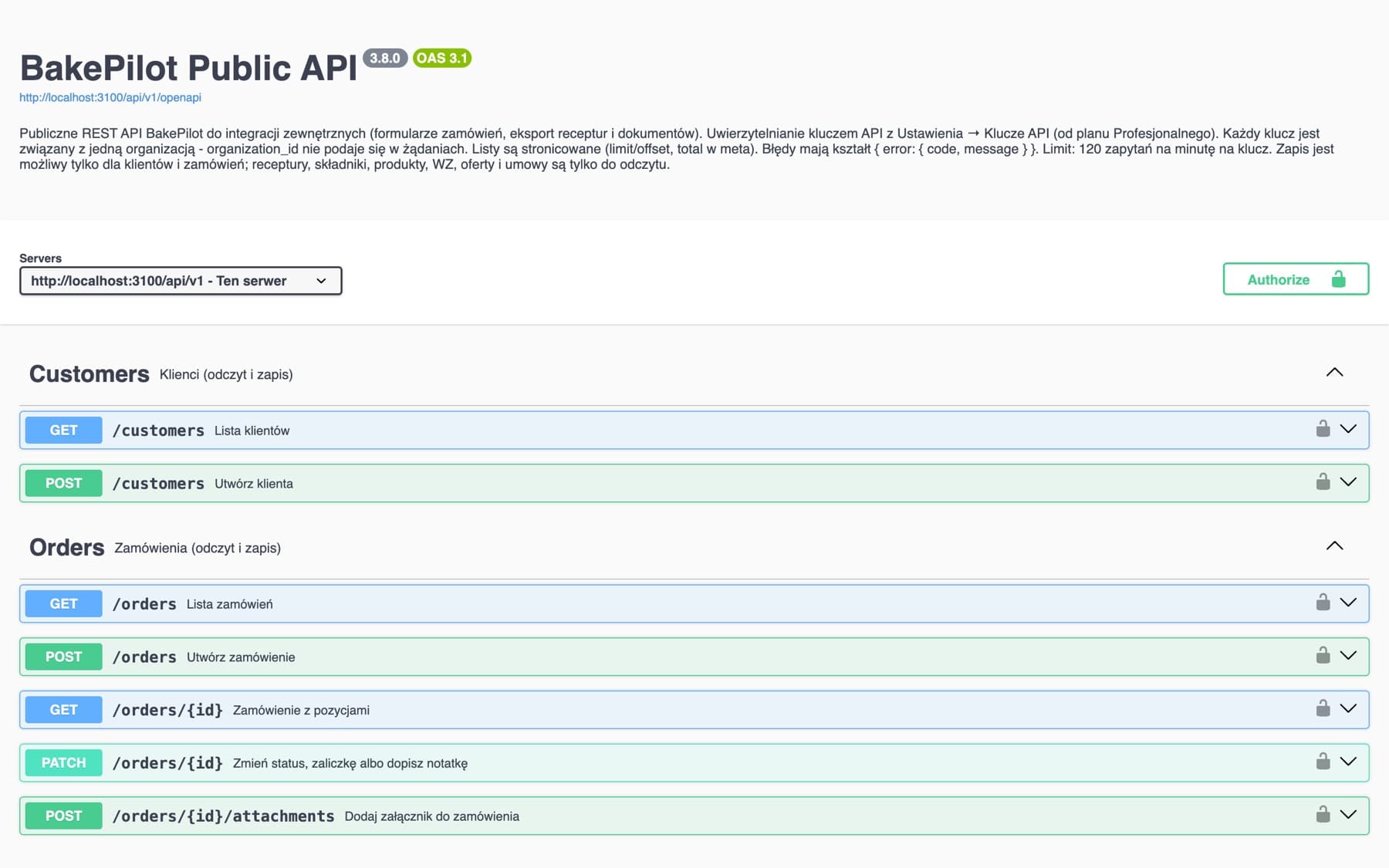
- Creating and reading orders and customers, changing an order's status, adding notes and attachments
- Reading the product catalog
- Interactive documentation (Swagger) at https://app.bakepilot.pl/api/v1/docs
Open the interactive API documentation (Swagger) (opens in a new tab)
Who is the API for?
The API is intended for developers and integration companies. If you are not a developer, you don't need to use it - all BakePilot features are available in the app. The API is an option for bakeries that want to connect their own website, online shop or automation.
- IT agencies building integrations for bakeries
- Developers integrating BakePilot with other systems
- Companies with their own websites and online shops
- Automations (e.g. Zapier, Make) that send HTTP requests
Limits and availability
API keys are generated by the organization's Administrator in Settings, in the “API keys” section. The section is active from the Profesjonalny (Professional) plan (also during the trial period) - in the Podstawowy (Starter) plan it shows the message “The public API and API keys are available from the Profesjonalny plan.” Each key has a limit of 120 requests per minute; above it the API responds with code 429.
- You generate a key in Settings, in the “API keys” section (Administrator)
- Available from the Profesjonalny plan and during the trial period
- The key starts with “bp_live_” and is shown only once
- 120 requests per minute per key, above that - error 429
- Higher limits - write to us through the help chat (the speech bubble icon: on a computer in the bottom right corner of the app, on a phone in the top bar)