
iCal sync
How to see BakePilot orders in the calendar on your phone or computer.
Last updated:
What a calendar subscription is
BakePilot generates a private calendar link for you in the iCal format. You add it in the Calendar app on your iPhone, in Google Calendar or in another program that supports subscriptions, and your orders appear in your calendar as events - each with the number, customer, status, amount and the delivery address in the location field.
- Works with the iPhone calendar, Google Calendar and other programs with URL subscriptions
- Orders from the last 30 days and the next 90 days, without cancelled ones
- An event with the number, customer, status, amount, notes and delivery address
- Every user has their own link - it works only for their account
Step-by-step setup
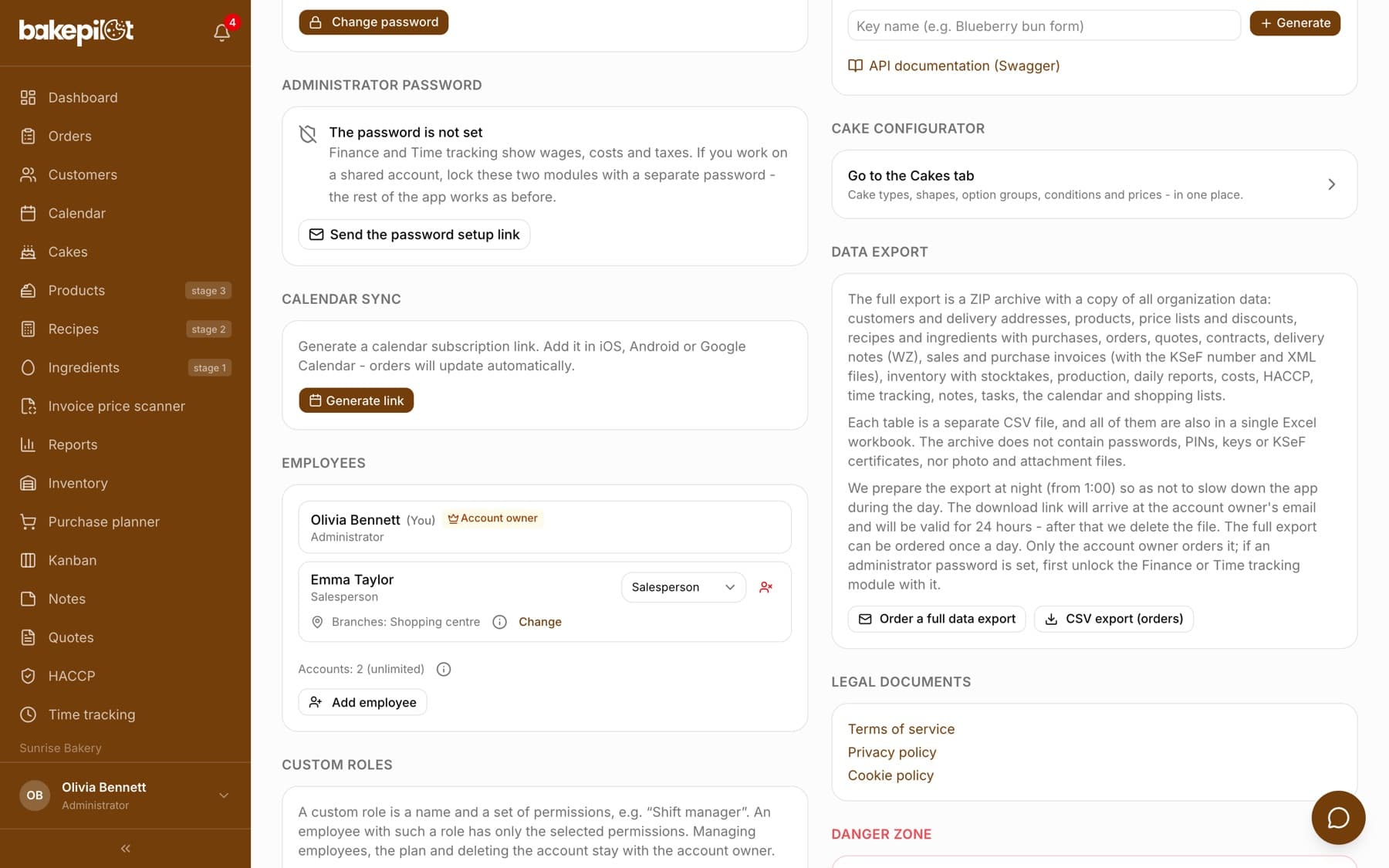
You generate the link in Settings, in the “Calendar sync” section. Once it is generated, you will see the address with a copy button and instructions for iPhone and Google Calendar. The same section has the “New link” (invalidates the old one) and “Turn off sync” buttons.
- Go to Settings and find the “Calendar sync” section
- Click “Generate link” and copy the address with the copy icon
- iPhone: Settings → Calendar → Accounts → Add Account → Other → Add Subscribed Calendar → paste the address
- Google Calendar: calendar.google.com → Other calendars (+) → From URL → paste the address
- Android: add it through Google Calendar as above - the calendar will appear in the app on your phone
Tip: The link is private - anyone who has it can see your orders. If it got into the wrong hands, click “New link”: the old one stops working.
Frequently asked questions
How often does the calendar update?
The link always returns the current state of your orders. Your phone or Google Calendar decides how often it fetches changes - usually from a few minutes to a few hours, depending on the app.
Can I sync with several devices?
Yes, you can add the same link to several devices and apps at the same time.
Will a change in my phone's calendar change the order?
No. The subscription works one way - from BakePilot to the calendar. You change dates in BakePilot.