
Introduction to the Time tracking module
What the Time tracking module is and how it replaces a paper attendance sheet.
Last updated:
What the Time tracking module is for
The “Time tracking” module replaces the paper attendance sheet and the spreadsheet for counting hours. Employees clock in and out, and the app builds the attendance list on its own, keeps track of late arrivals and early clock-ins, manages leave and calculates the hours for payroll. At the end of the month you export a ready summary for your accountant.
- An electronic attendance list - no paper
- A shift schedule with a weekly view
- Leave with a day counter
- Payroll hours: overtime, night hours, bonuses
- Export to CSV and Excel and printing to PDF
How the module is organized
The “Time tracking” item in the menu has six tabs: “Attendance”, “Schedule”, “Leave”, “Payroll”, “Employees” and “Settings”. You start with “Settings” (locations, positions, rules) and “Employees”, then build the “Schedule”, and day-to-day work happens on the “Attendance” tab.
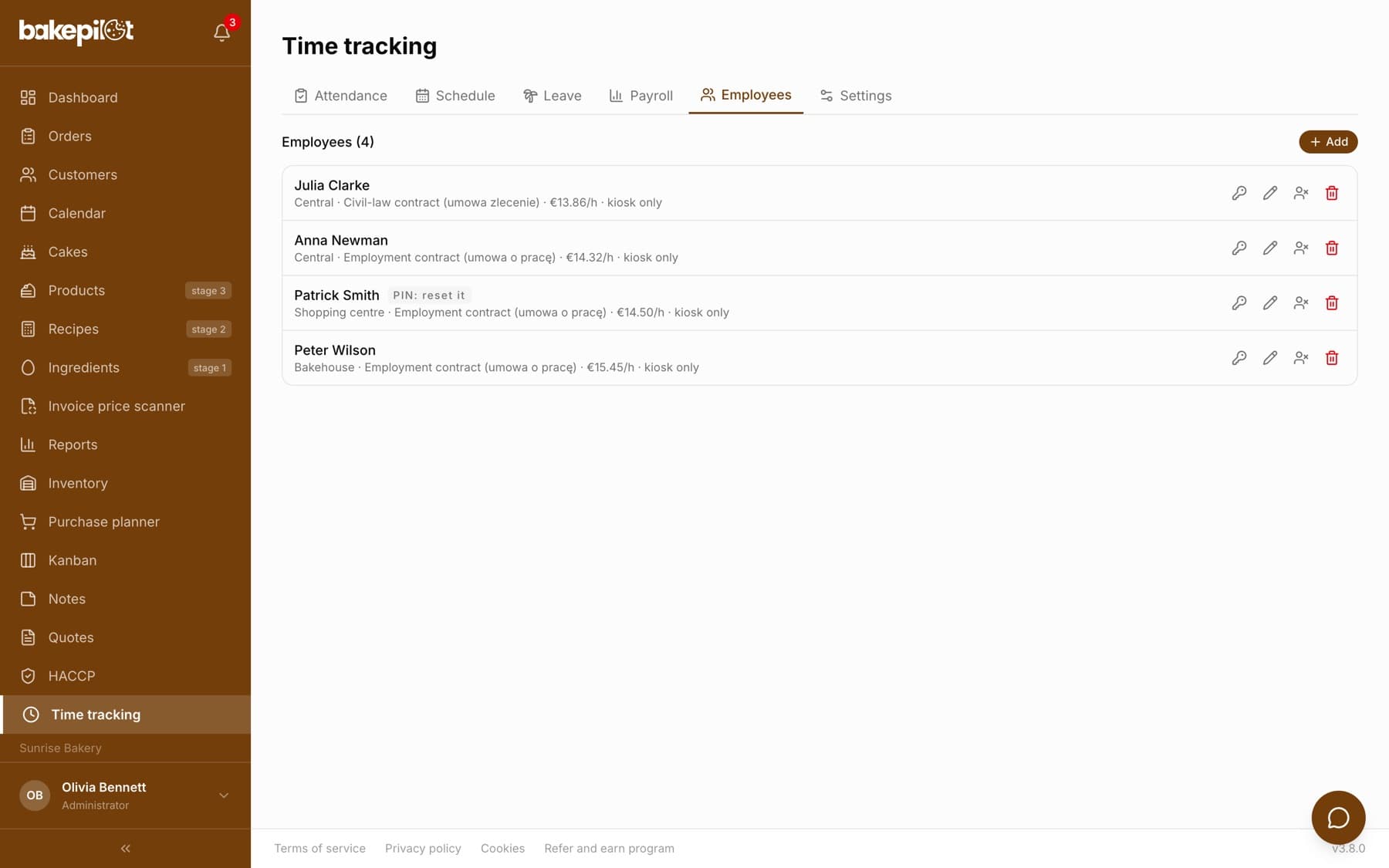
- “Employees” - the list of people, PINs, contracts and rates
- “Settings” - working time rules, locations, positions, kiosks
- “Schedule” - the weekly shift plan
- “Attendance” - clock-ins, day statuses, approving extra time, corrections
- “Leave” - balances and absences
- “Payroll” - hours and gross amounts to pay, bonuses, export
How employees clock in
There are two ways, and you can combine them. First: a shared tablet or phone on the premises set up as a kiosk - the employee enters their 4-digit PIN and clocks in or out. They do not need a BakePilot account. Second: an employee with their own account clocks in from their phone on the “My hours” page and sees their schedule and leave balance.
- A kiosk with a PIN - a shared device on the premises
- Clocking in from your own account (the “Clock in” and “Clock out” buttons)
- An employee without an account does not count towards the plan's user limit
Tip: A baker starting at 4:00 in the morning does not have to log in - a tablet by the entrance and their PIN are enough.
Who sees what
The module's admin tabs are visible to people with the permission to view time tracking. An employee without this permission who opens “Time tracking” goes straight to the “My hours” page with their own clock-ins. You can also lock the whole module with the administrator password, set in the app “Settings” - after unlocking, a “Lock again” button appears on the tab bar.
Which plan
The Time tracking module is available in the Mistrzowski (Master) plan. There is no limit on the number of employees you track.
Frequently asked questions
Does every employee need a BakePilot account?
No. An employee can clock in using only a PIN on a shared device on the premises - then they do not need an account and do not count towards the user limit. An account is useful when you want them to clock in from their own phone and see their schedule.
Which plan includes the Time tracking module?
The Mistrzowski (Master) plan (319 PLN/month plus VAT). The number of tracked employees is unlimited.
Does this replace HR and payroll software?
No. The module calculates hours and the gross amount to pay as a supporting summary for your accountant. It does not calculate ZUS (Polish social security) contributions, the PIT (Polish income tax) advance or the net amount - that stays with your accounting.