
Customer analysis
Top customers by total order value.
Last updated:
Top customers
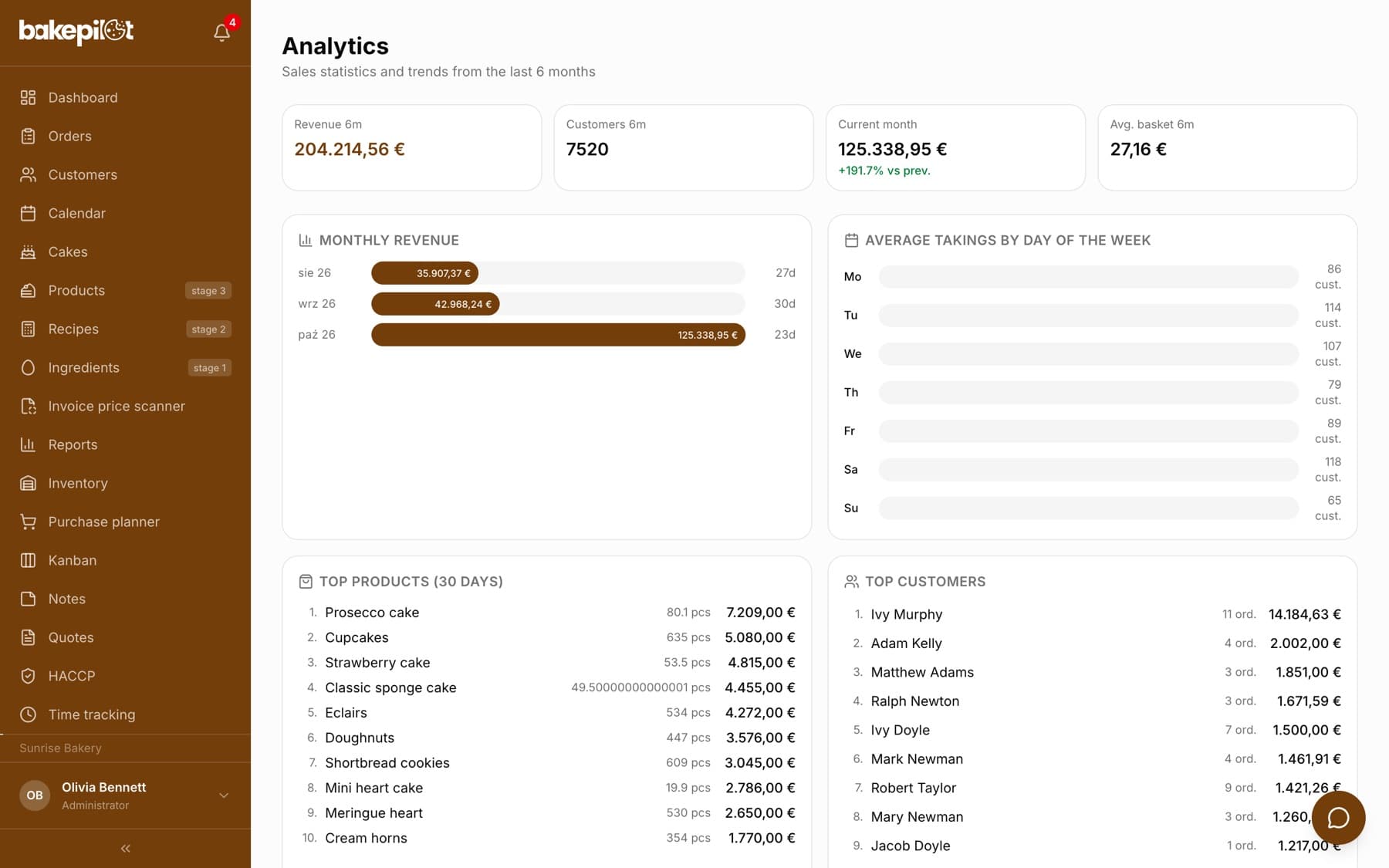
In the “Analytics” module, the “Top customers” section shows the ten customers with the highest total order value - for the whole period, not just the last month. Next to each one you see the number of orders (for example “33 ord.”) and the amount. Clicking a row opens the customer card. Typically 20% of customers generate 80% of revenue - it is good to know which ones they are.
- Top 10 customers
- Total order value
- Number of orders
- Link to the customer card
Total order value
A customer's total order value is the sum of all their orders - the simplest measure of how much a customer is worth to your bakery. You can work out the average order value by dividing the amount by the number of orders. The full order history and the same totals are on the customer card in the Customers module.
- The customer's total order value
- Number of orders
- Average order value = total value / number of orders
Tip: Apply the 80/20 rule - the top 20% of customers generate 80% of revenue. Offer them a cooperation agreement with fixed prices or a dedicated holiday quote.