HACCP fridge temperature log: a free PDF template and how to keep it
A free printable temperature log template: four units, two readings a day, a whole month on one page and a corrective action log. Plus the rules for keeping the log that Sanepid, the Polish sanitary inspection, checks. The template itself is in Polish.
Temperature log template to download
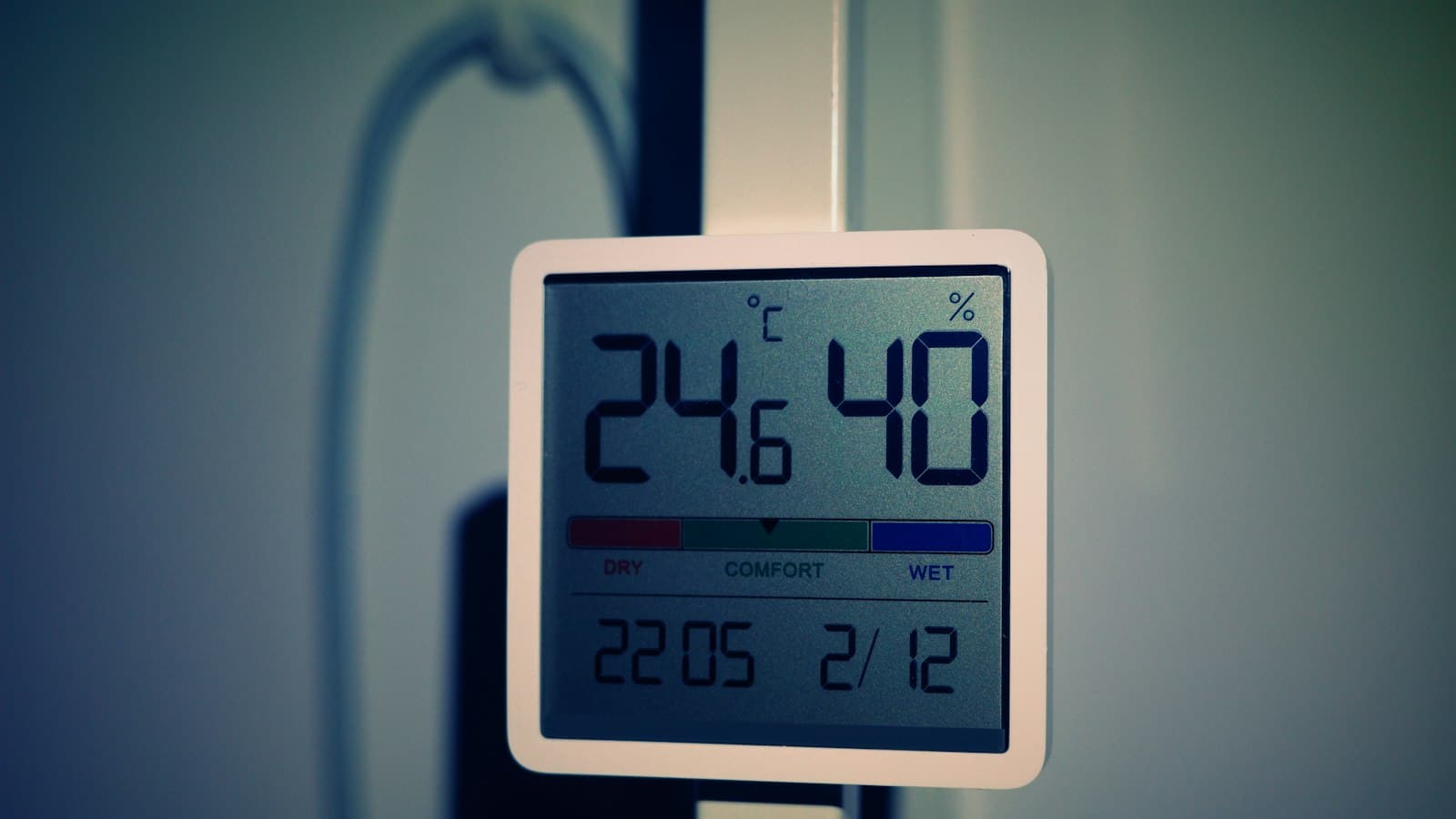
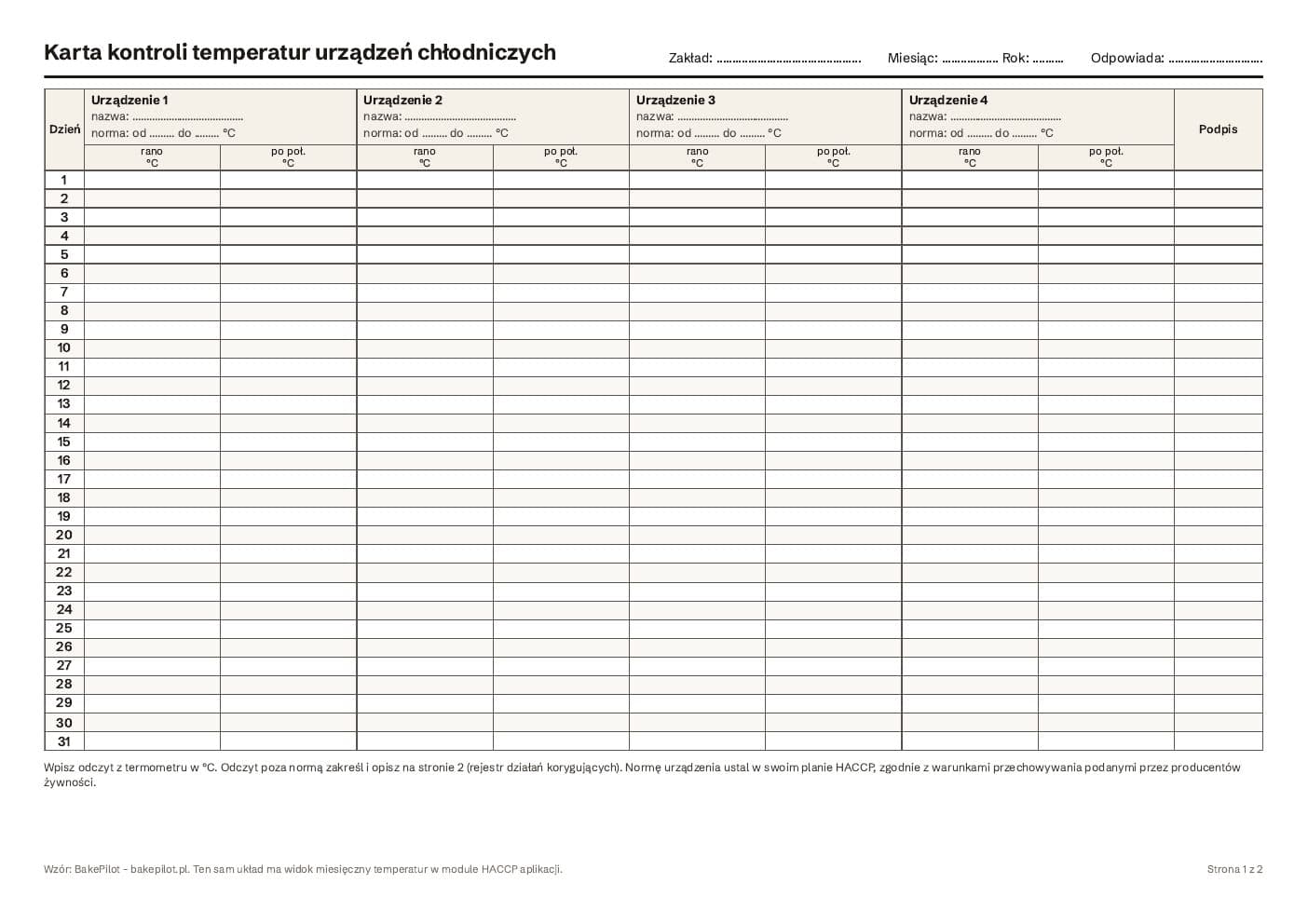
We prepared the log we would use ourselves on paper: download the fridge temperature log (PDF, A4, 2 pages, in Polish). The first page is the whole month in one table: days 1 to 31 in rows, four units in columns, each with space for its name and range and two readings a day (morning and afternoon), and at the end of the row the signature of the person who took the reading. The second page is the corrective action log, a record of what you did when the temperature went out of range. You print the log once a month and hang it by the equipment or wherever the team starts the shift.
- A4 landscape, two pages, for black and white printing
- four units on one log, for more units print a second log
- two readings a day for each unit and a signature
- a corrective action log with a column for verification
Is a temperature log mandatory?
The rules do not provide a ready-made form, but they require two things that a temperature log follows from. First, every food production business has a permanent procedure based on the HACCP principles, which includes monitoring critical control points, corrective actions, and documents and records appropriate to the size of the business (Article 5 of Regulation 852/2004).[1] Second, raw materials, ingredients, intermediate products and finished products likely to support the growth of pathogenic microorganisms must not be kept at temperatures that might result in a risk to health, and the cold chain must not be interrupted (Annex II, Chapter IX, point 5).[1] In a pastry shop or bakery this applies to creams, fillings based on cream and cream cheese, filled products, eggs and dairy. A temperature record is the simplest proof that you are taking care of it. A small business may use simplified procedures, and a HACCP certificate is not required, as the Polish Sanitary Inspection confirms.[2]
- monitoring and records are part of the HACCP procedure (Article 5 of Regulation 852/2004)[1]
- the cold chain must not be interrupted (Annex II, Chapter IX)[1]
- the form of the record is up to you: paper or an app, as long as it is up to date and available during an inspection
- a small business may simplify its procedures[2]
How to set the range for each unit
The “range” field on the log is the range the unit is supposed to work in. You set it in your HACCP plan, taking into account what you store in it and the storage conditions given by producers on the packaging (cream, cream cheese and butter have them on the label). A fridge with creams and cakes will have a narrower range than a drinks cabinet. In the BakePilot app, when you add a unit, a suggested range appears for its type, which you can change. We printed the same values on the second page of the log as a starting point.
| Unit type | Suggested range | Typical contents in a pastry shop |
|---|---|---|
| Fridge | 0 to 5 °C | creams, cakes, filled products, dairy |
| Cold room | 0 to 4 °C | larger quantities of ingredients, products ready for handover |
| Freezer | -22 to -16 °C | frozen fruit, semi-finished products, doughs for baking |
| Vehicle | 0 to 6 °C | cakes and cream products in delivery |
When and how to measure
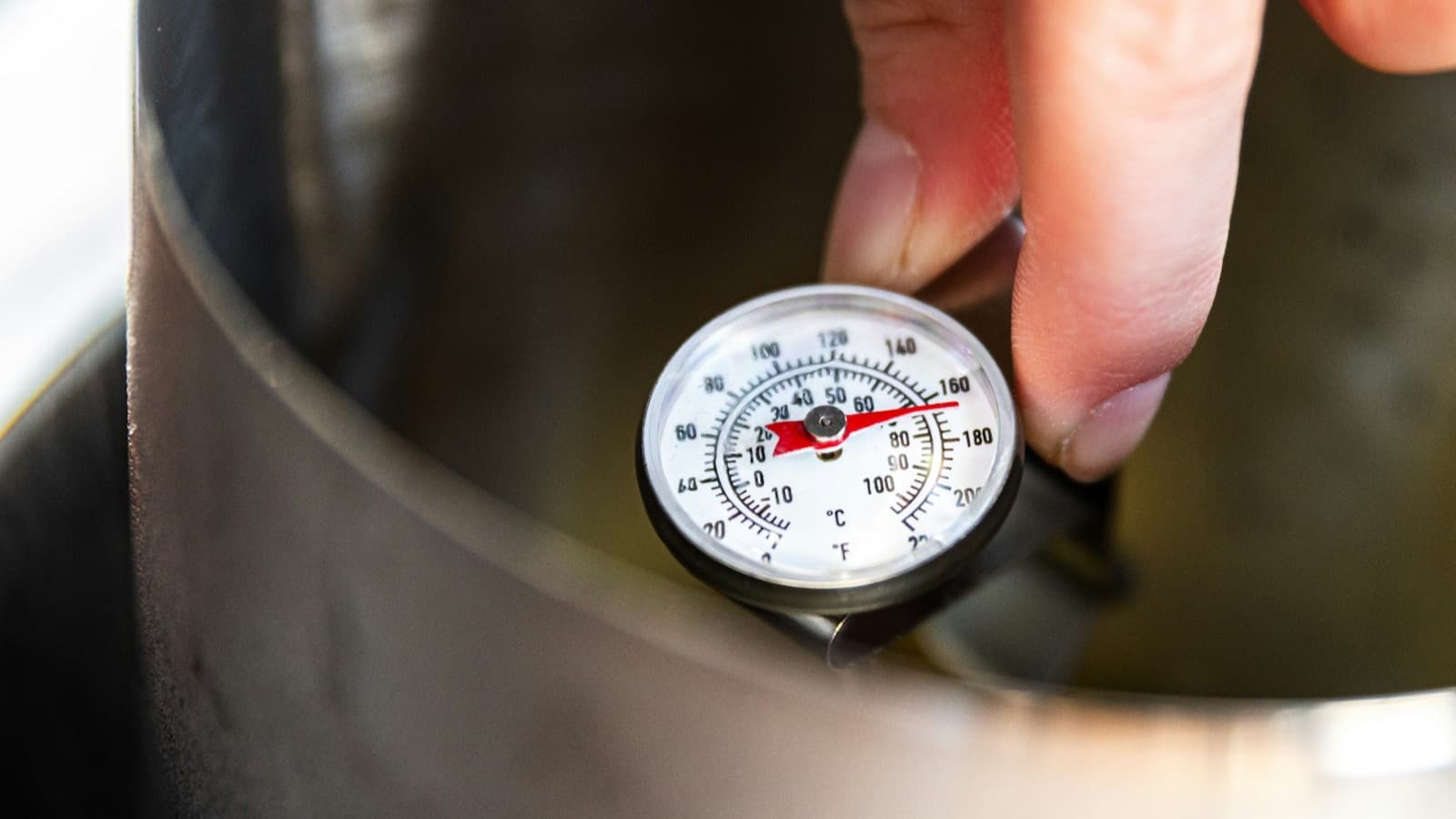
Regularity matters most. Two readings a day at fixed times, for example at opening and in the afternoon, show both how the unit works overnight and what happens during the hours when the door opens every few minutes. You record the reading straight away, using the thermometer in the unit, not from memory at the end of the week. A log filled in with one pen for the whole month is the first thing an inspector notices. You can read about the first inspection at our pastry shop in Your first Sanepid inspection in a pastry shop.
- fixed reading times, set in your HACCP plan
- a thermometer in every unit, checked from time to time against a second thermometer
- the reading and signature at the moment of measurement
- on days the business is closed: a dash or a note, not an empty field without explanation
What to do when the temperature is out of range
Going out of range is not yet a problem if you know what to do about it and you record it. Regulation 852/2004 allows limited periods outside temperature control for the practicalities of preparation, transport, storage, display and service of food, provided it does not result in a risk to health.[1] That is why, next to the reading itself, the decision counts: was the door open during a delivery and the temperature back in range after half an hour, or did the compressor stop cooling and you need to assess what was inside. On the second page of the log you record the date, time, unit, reading, corrective action, signature and who checked it.
Do not correct readings
An out-of-range reading with a described corrective action shows that the system works. A log on which everything has been perfectly in range for months raises more questions than one honestly recorded deviation.
- check the door, seals, overloading and distance from the oven
- measure again after a few minutes
- assess the food according to your HACCP plan and record the decision
- in case of a breakdown: move the food, call the service, record it in the log
The log in an app instead of on paper
A paper log works as long as someone remembers to print and fill it in. In BakePilot the same layout has a monthly view in the HACCP module: days in rows, units in columns with their range, the last reading of the day and the number of readings in each cell, and days with a deviation highlighted in red. You enter a reading from your phone: choose the unit, enter the temperature and save. When a reading is out of range, the app immediately marks it as an alarm, asks for a description of the corrective action, and the team with the mobile app gets a notification. The “Print table” button gives you a printout or PDF for the inspection. We describe it step by step in Temperature monitoring, and the whole module on the HACCP app page (Mistrzowski (Master) plan).
- the range saved with the unit, compared with every reading automatically
- an “OK” or “Alarm” status and a description of the corrective action when the range is exceeded
- a monthly view with “In range”, “Alarms” and “Total” counters
- printing the monthly table or saving it as PDF
Sources and footnotes
- [1]Regulation (EC) No 852/2004 on the hygiene of foodstuffs (Article 5, Annex II Chapter IX point 5), Polish language version, EUR-Lex - European Parliament and Council of the EU, 2004link (opens in a new tab)
- [2]Hazard Analysis and Critical Control Points (HACCP): simplified procedures for small businesses, no certification requirement (in Polish), State Sanitary Inspection (WSSE Katowice), gov.pl, 2024link (opens in a new tab)
Author: Kamila Kowalska. Last updated: . Spotted a mistake? Write to kontakt@bakepilot.pl and we will correct it and update the date. Editorial policy
How would you rate this article?
Your rating helps us write better content for bakers and pastry chefs.
Loading…